
Every business needs an effective way of managing customer orders, product deliveries, pricing and payments. Handling these activities individually can result in delays, incorrect orders, price mistakes and unhappy customers.
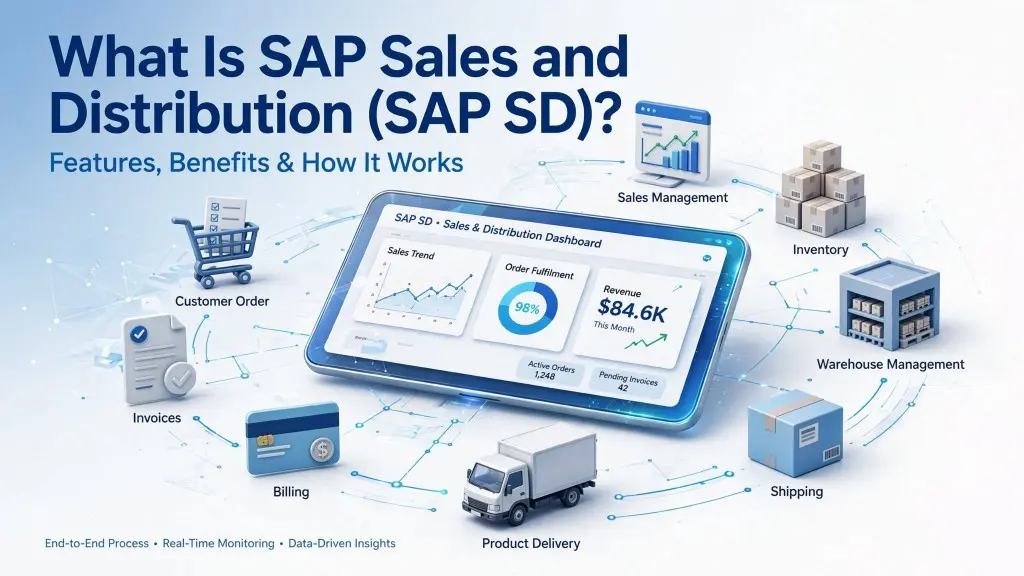
This is where SAP Sales and Distribution (SAP SD) comes in. It is one of the key modules of SAP ERP, which helps businesses to manage their entire sales process, starting from receiving a customer order to delivering the products and generating invoices.
Let's understand what SAP SD is, how it works, its key features, and why businesses use it.
What Is SAP Sales and Distribution (SAP SD)?
SAP Sales and Distribution (SAP SD) is a module of SAP to manage sales, customer orders, shipping, billing and distribution activities.
It helps businesses to manage their daily sales operations in one place. With SAP SD, companies can connect order processing, delivery and invoicing that would otherwise be spread across different systems.
For example, when a customer places an order, the sales team can check the availability of products, confirm the pricing, process the order, arrange delivery and generate an invoice. The steps are linked so as to make the process easier to handle.
SAP SD is widely used by manufacturing companies, wholesalers, distributors, and retail businesses.
How Does SAP SD Work?
SAP SD follows a step-by-step process that covers the complete sales cycle. Here are the main stages:
1. Pre-Sales Activities
The process often starts when a customer makes an enquiry or requests a quotation. The sales team can record customer requirements, prepare quotations, and share pricing details before confirming an order.
2. Sales Order Processing
Once the customer accepts the quotation, the sales team creates a sales order in SAP. It includes product details, quantities, prices, delivery dates, and customer information.
3. Delivery and Shipping
After the order is confirmed, the warehouse and logistics teams prepare the products for dispatch. SAP SD helps manage delivery schedules, shipping details, and goods issue.
4. Billing and Invoicing
Once the products are delivered, the company generates an invoice for the customer. Billing information can also be transferred to the SAP Finance module for accounting purposes.
5. Payment Processing
The payment process is usually handled by SAP Financial Accounting (FI). Because SAP SD is linked to finance, billing information can be forwarded to the finance team for payment tracking and account management, which helps the payment process.
Key Features of SAP SD
SAP SD offers several features that help businesses manage their sales and distribution operations.
- Customer Management: Maintains customer details, addresses, payment terms, and other important information.
- Pricing Management: Helps manage product prices, discounts, taxes, and special pricing conditions.
- Sales Order Management: Allows sales teams to create, update, and track customer orders.
- Delivery Management: Supports product delivery planning, shipping, and goods movement.
- Billing Management: Helps generate customer invoices and manage billing documents.
- Credit Management: Helps businesses monitor customer credit limits and manage credit-related risks.
Benefits of SAP Sales and Distribution
Implementing SAP SD can improve how businesses manage their sales operations. Some important benefits include:
1. Better Order Management
Businesses can manage customer orders more smoothly and reduce manual errors during order processing.
2. Faster Order Fulfilment
Connecting sales, warehouse, and delivery activities helps companies process orders and deliver products on time.
3. Improved Customer Experience
Sales teams can access order details, pricing, and delivery information more easily, helping them respond to customer queries.
4. Better Sales Visibility
Managers can track sales activities, review order information, and understand business performance.
5. Reduced Manual Work
Automating routine sales activities reduces repetitive tasks and gives employees more time to focus on customers.
SAP SD Integration with Other SAP Modules
SAP SD works closely with other SAP modules to keep business operations connected.
| SAP module | How it works with SAP SD |
|---|---|
| SAP FI (Financial Accounting) | Connects billing activities with financial records and accounting. |
| SAP MM (Materials Management) | Helps check stock availability and coordinate purchasing and inventory activities. |
| SAP PP (Production Planning) | Connects customer demand with production requirements. |
| SAP WM/EWM (Warehouse Management) | Supports warehouse operations, picking, packing, and goods movement. |
These connections help different departments work with consistent business information.
Who Should Use SAP SD?
SAP SD is suitable for businesses that handle regular customer orders, product sales, and deliveries. It is particularly useful for:
- Manufacturing companies managing large order volumes.
- Retail businesses handling multiple products and customers.
- Wholesale distributors managing product deliveries.
- Logistics companies coordinating sales and distribution.
- Enterprises operating across multiple locations.
Final Thoughts
SAP Sales and Distribution is an important part of SAP ERP. It helps businesses manage all their sales activities, from the first customer enquiry to the final bill, bringing together every step of the sales process: customer enquiries, sales orders, product delivery and billing.
For businesses that want to improve order management, cut down on manual work and offer better customer service, SAP SD can be a really useful tool. When companies set up SAP SD correctly and connect it with their other systems, they can create a more organized and efficient sales process that runs more smoothly.
← Back to all articles